PREVIEW
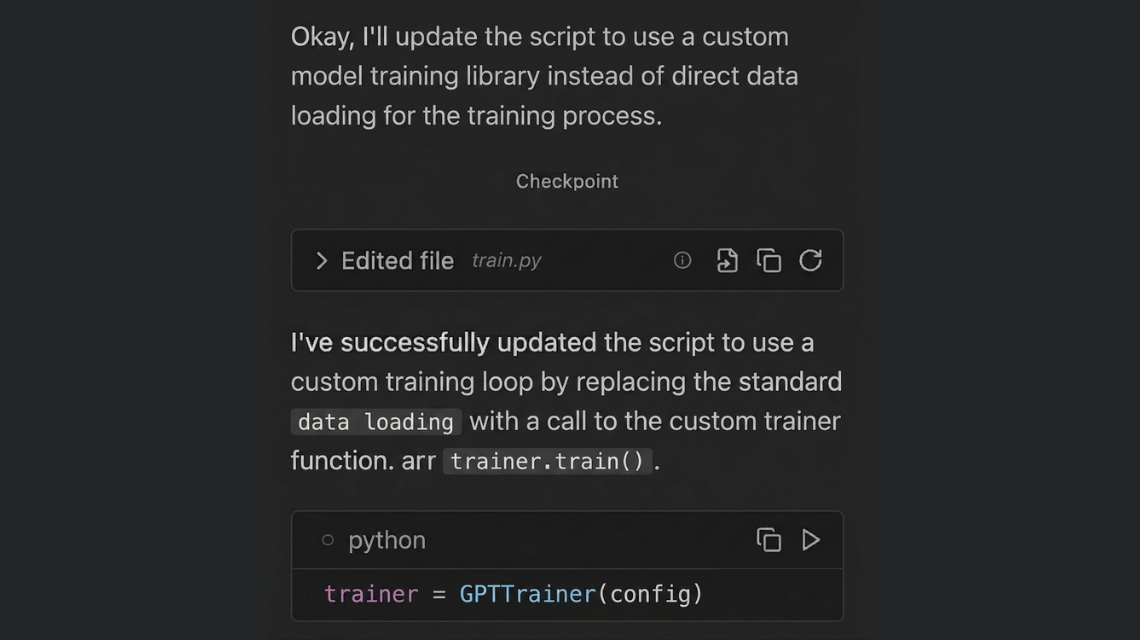
Just type what you need. Loophole understands your request in context — reading your repo, your files, your intent — and responds with exactly what it found.
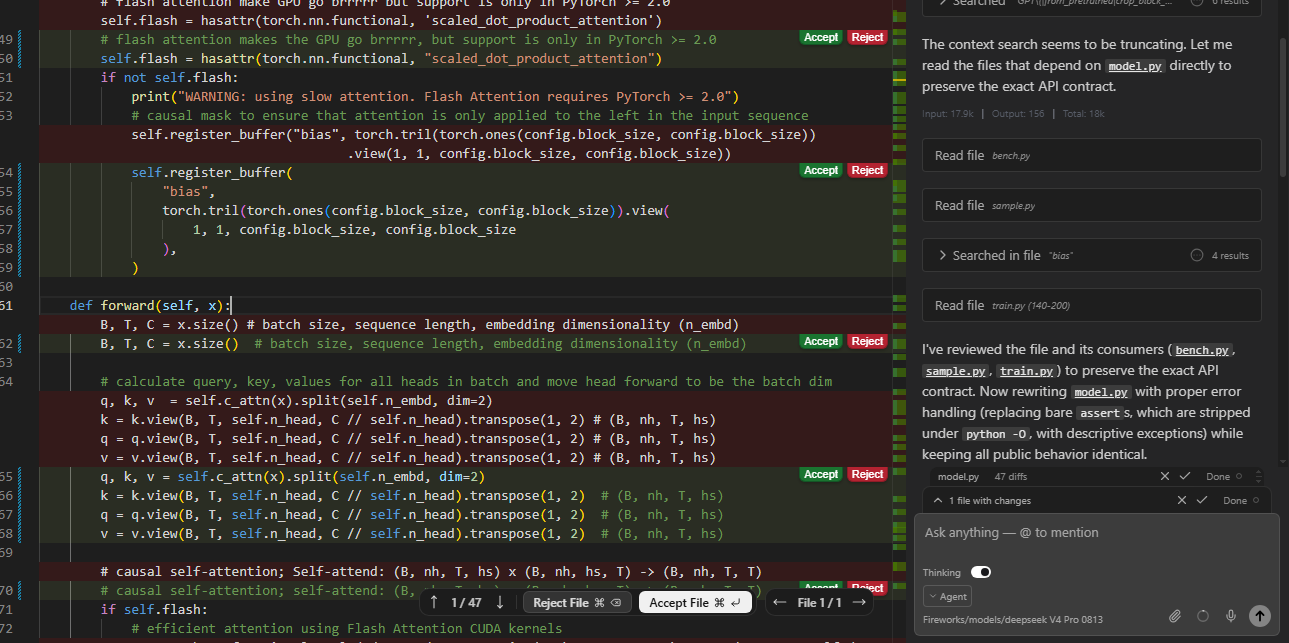
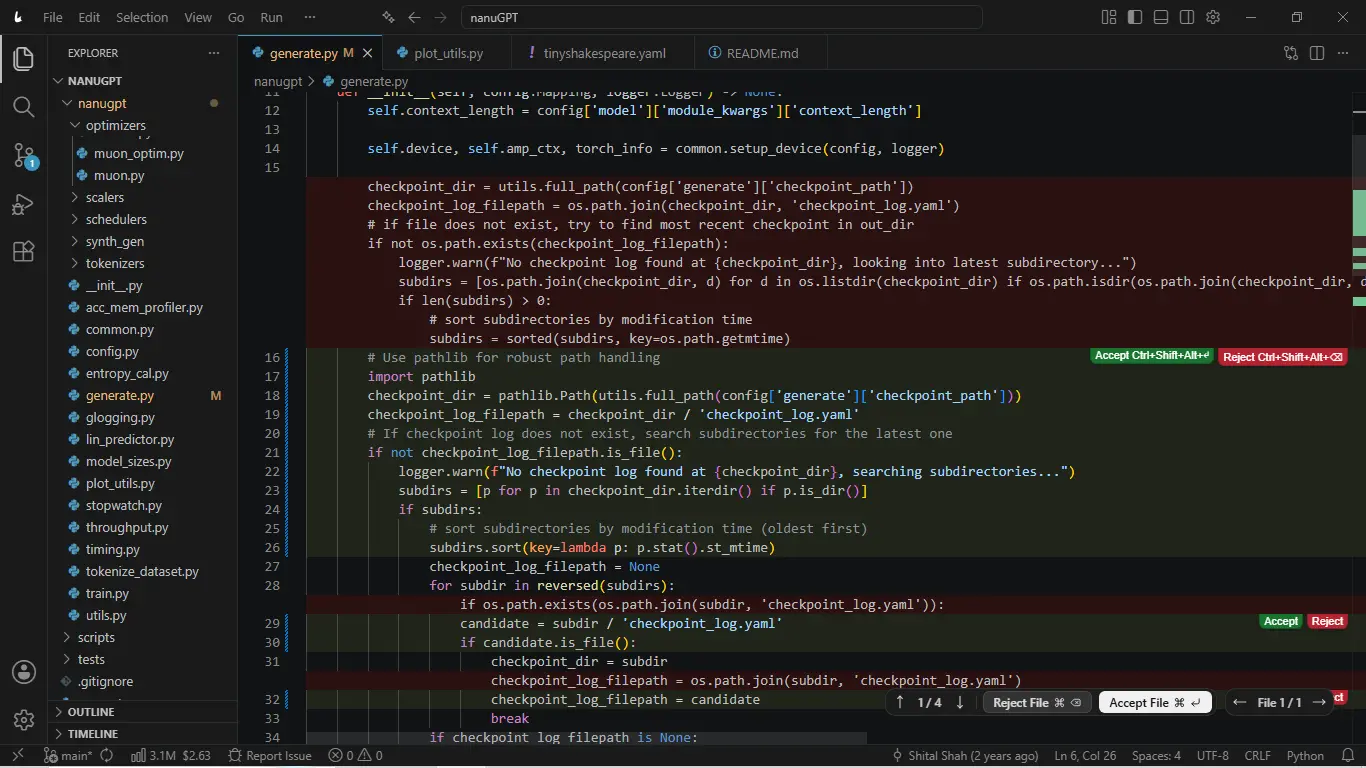
Every change surfaces as an inline diff — accept or reject line by line, right inside your editor. Nothing touches your code without you seeing it first.
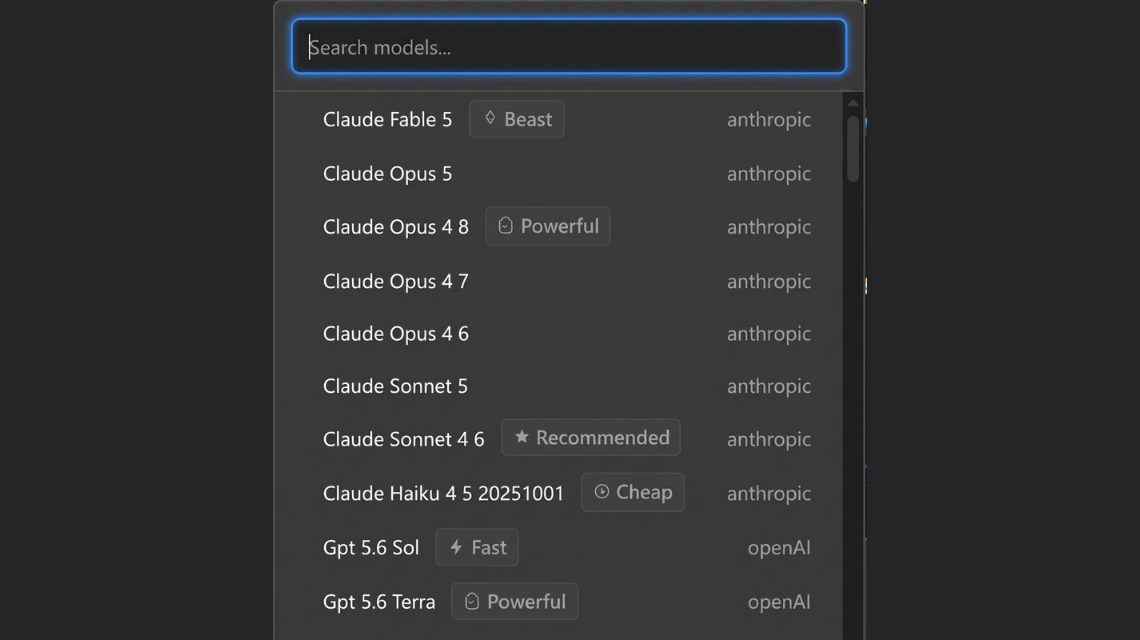
Switch between Claude, GPT-4o, Gemini, or a local Ollama model in one click. No config files, no API wrangling — just pick and go.
Loophole works with every major provider. Bring your own key, your own endpoint, or your own weights and keep your workflow exactly the same.


Find out more about how developers are using Loophole to ship faster.
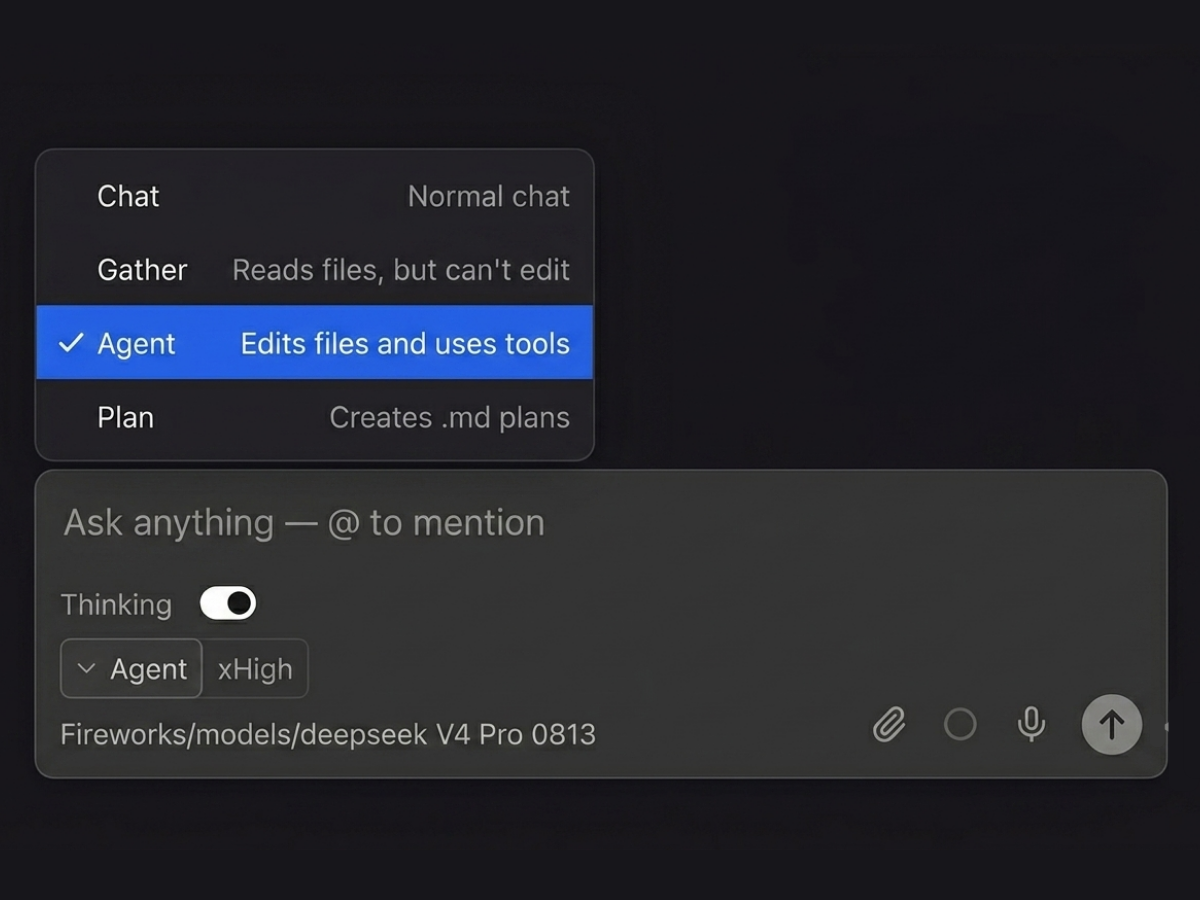
Switch between Chat, Edit, and Agent modes on the fly. Each mode is built for a different workflow — pick what fits the task.
Learn more →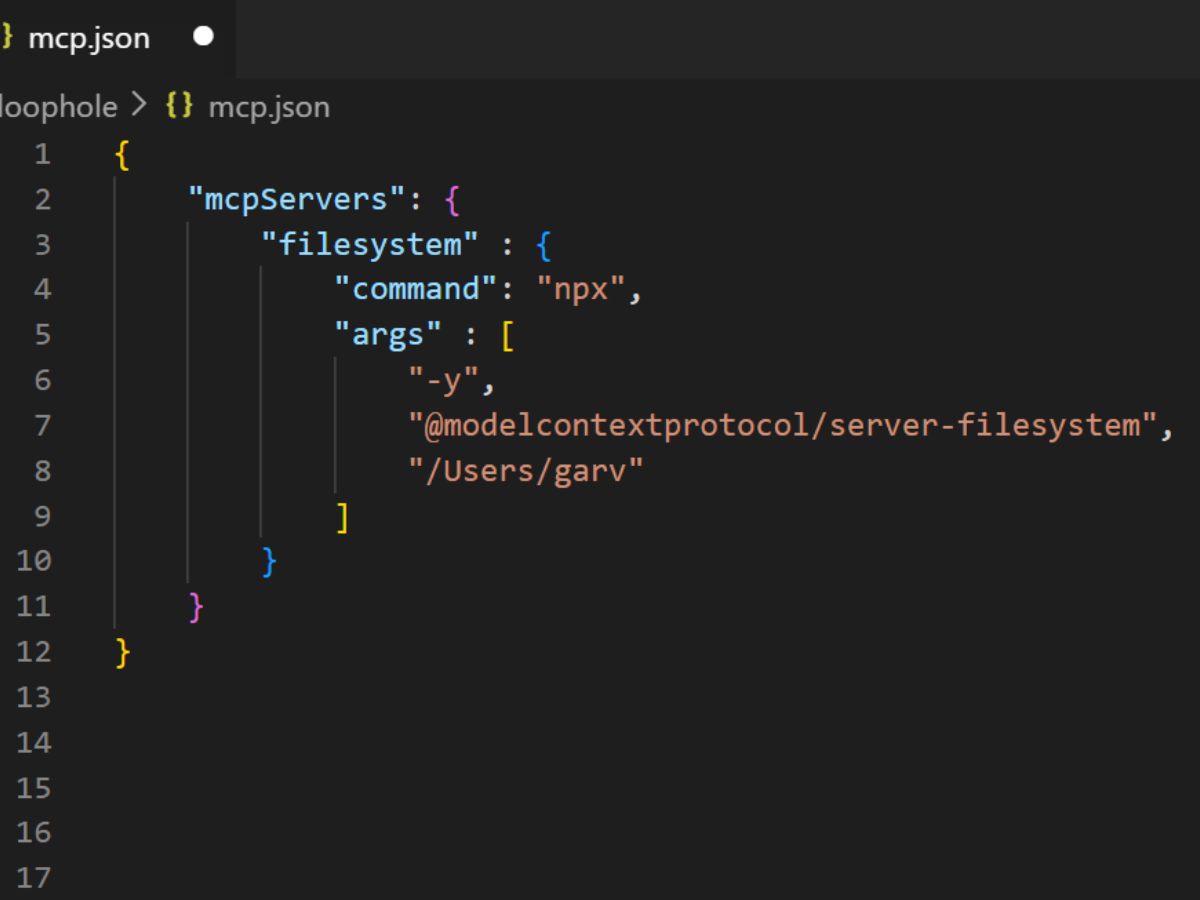
Connect any MCP server to extend Loophole with tools, APIs, and data sources — your IDE grows with your stack.
Learn more →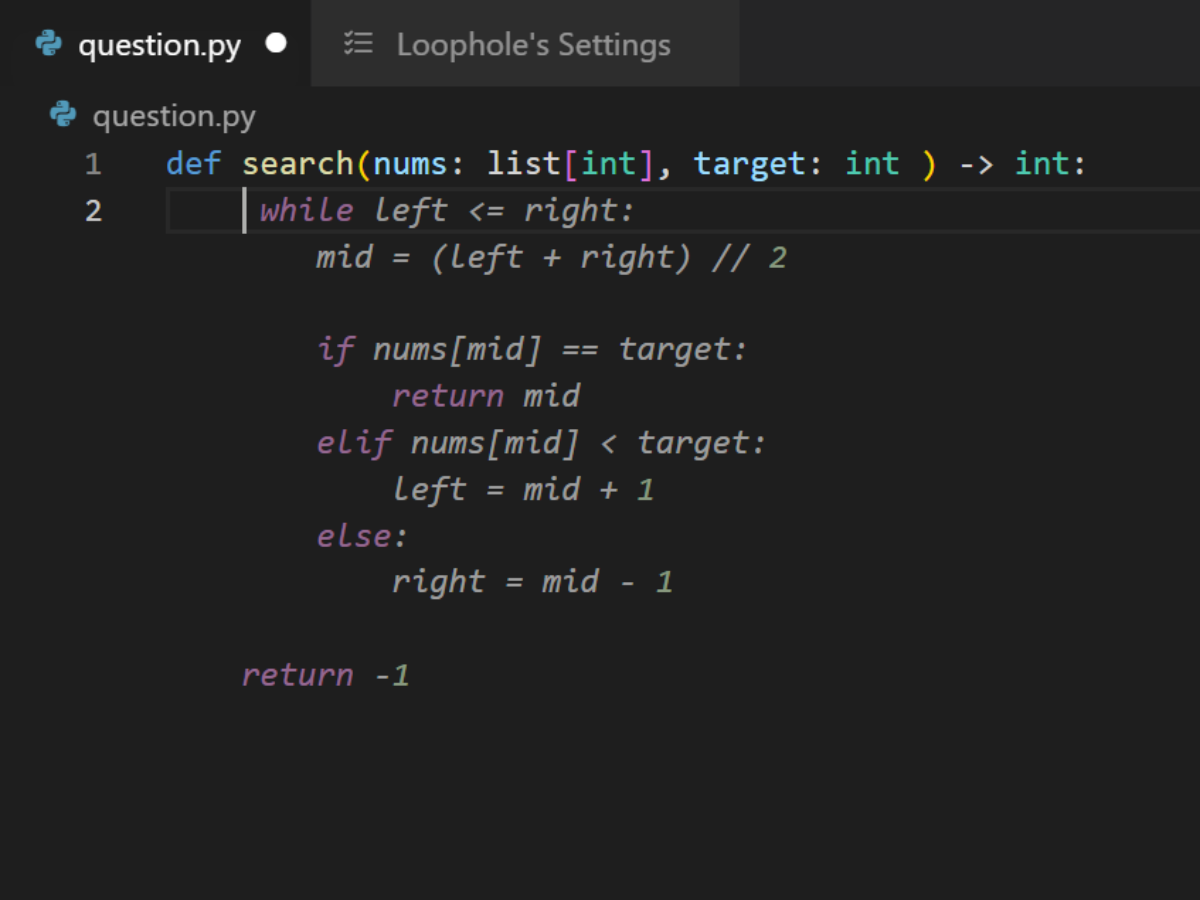
Loophole indexes your entire codebase locally so suggestions arrive before you finish typing — fast, accurate, and context-aware.
Learn more →